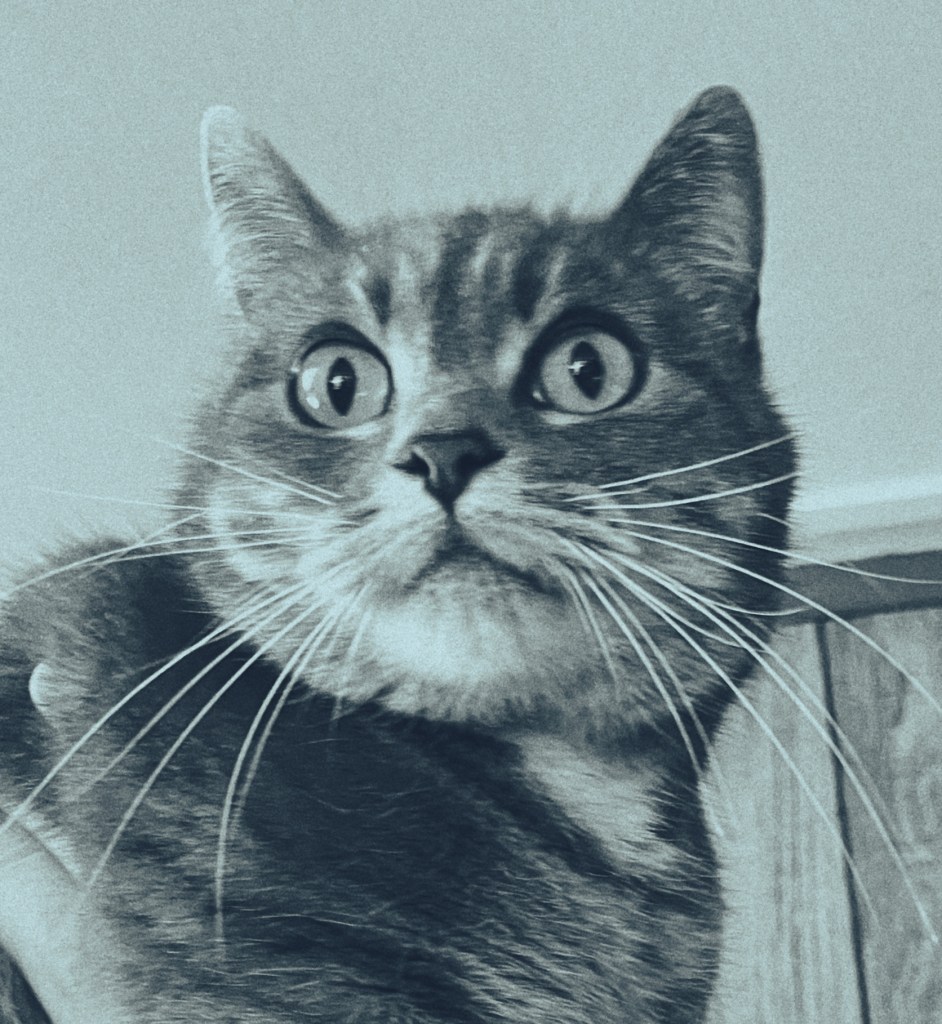
My son’s cat Abby is quite the character. I though she’d look awesome, embroidered on a T-shirt.
I normally create embroidery designs in my studio on my cintiq art tablet but when the inspiration hit me, I was riding on a ferry and only had access to my Ipad and Iphone. This ferry from Saltspring Island to the mainland of British Columbia was what I call an island hopper and would take 3 hours to reach the mainland so I had plenty of time to waste. Why not waste it on something creative.
I opened up my photos on my iphone, found a good photo of Abby, changed it to a grayscale image on the Snapseed app and airdropped it to my Ipad. From there, I imported the image into my sketchbook drawing app and proceeded to make 5 layers, 4 of which represent a different shade of gray and 1 representing white. I planned to stitch it out on black fabric so I just made the background of each layer black.
Copy or save the images below to your photo library if you plan on following the youtube video and try to create Abby on your iPad.
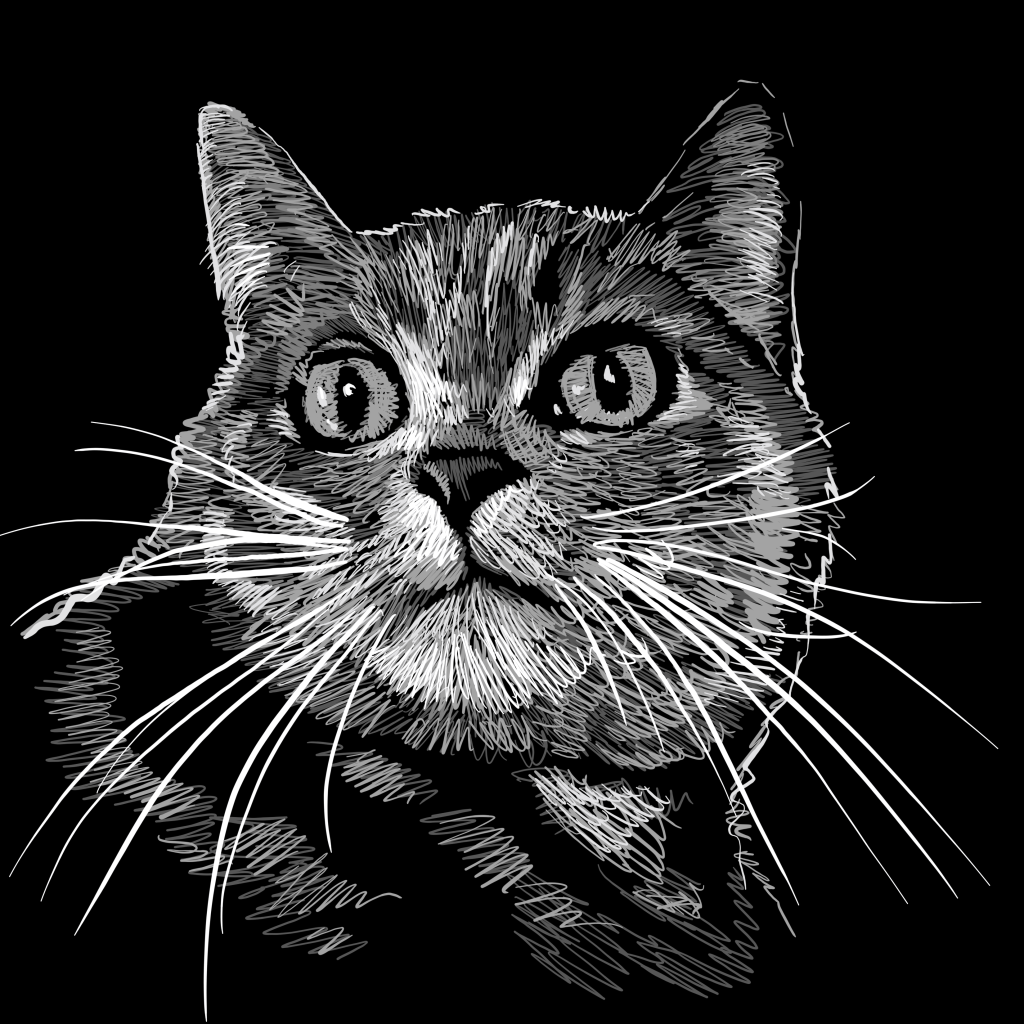
Final drawing with all layers visible:
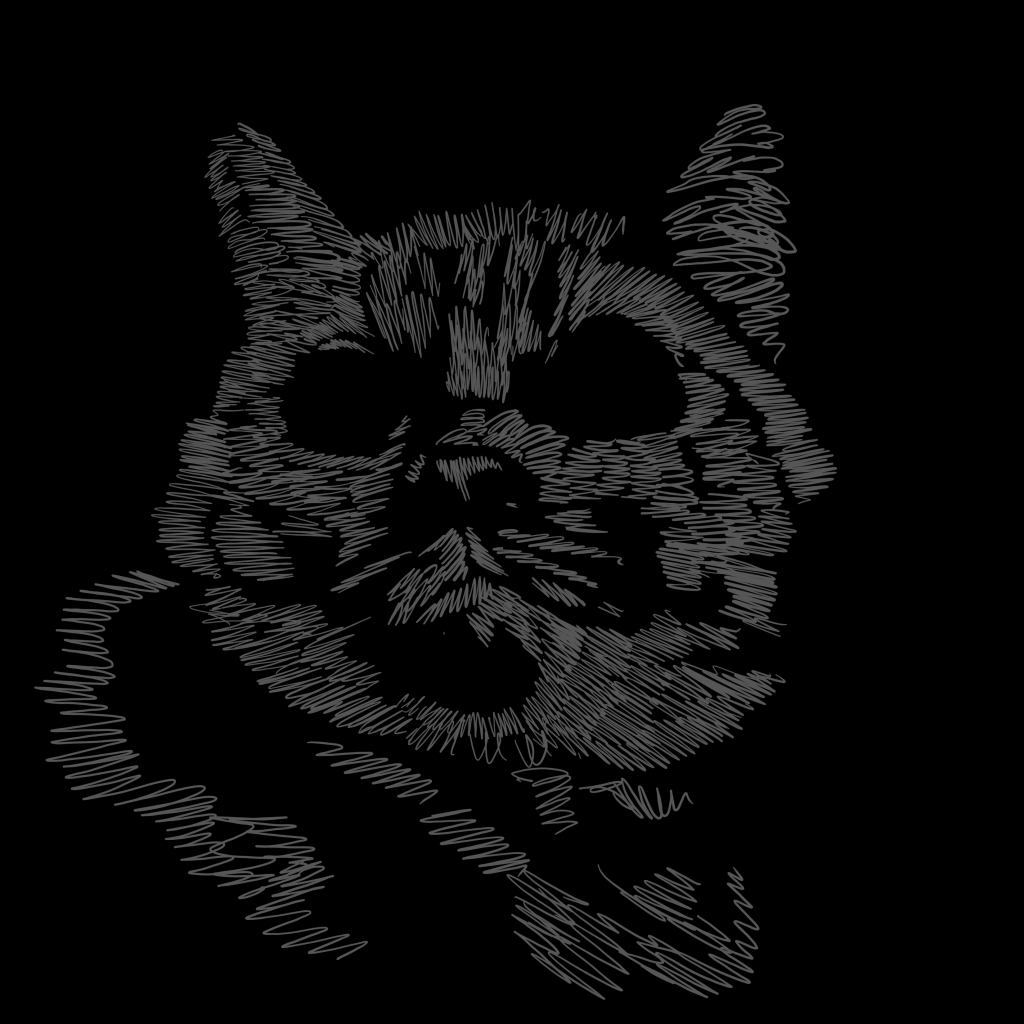
Layer 01 – Dark Gray
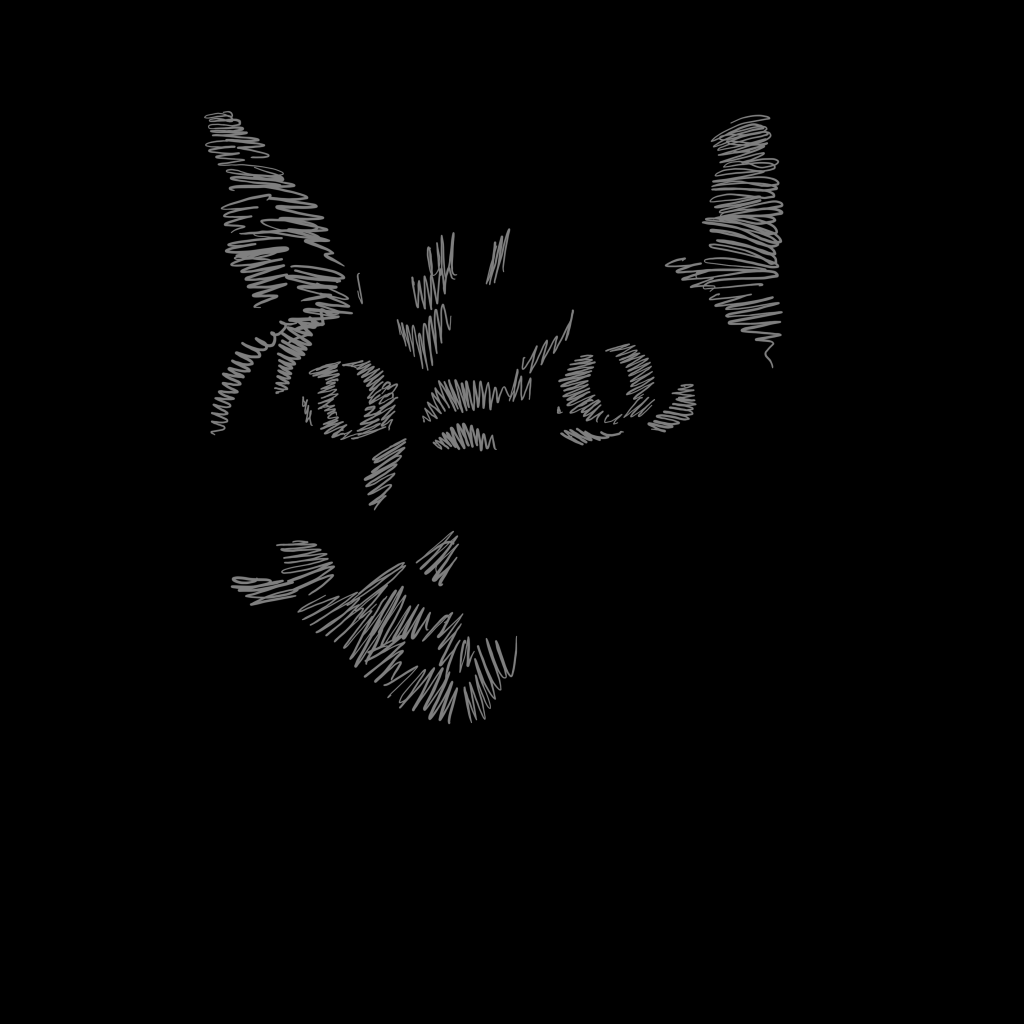
Layer 02- Med Gray
Layer 03 – Gray
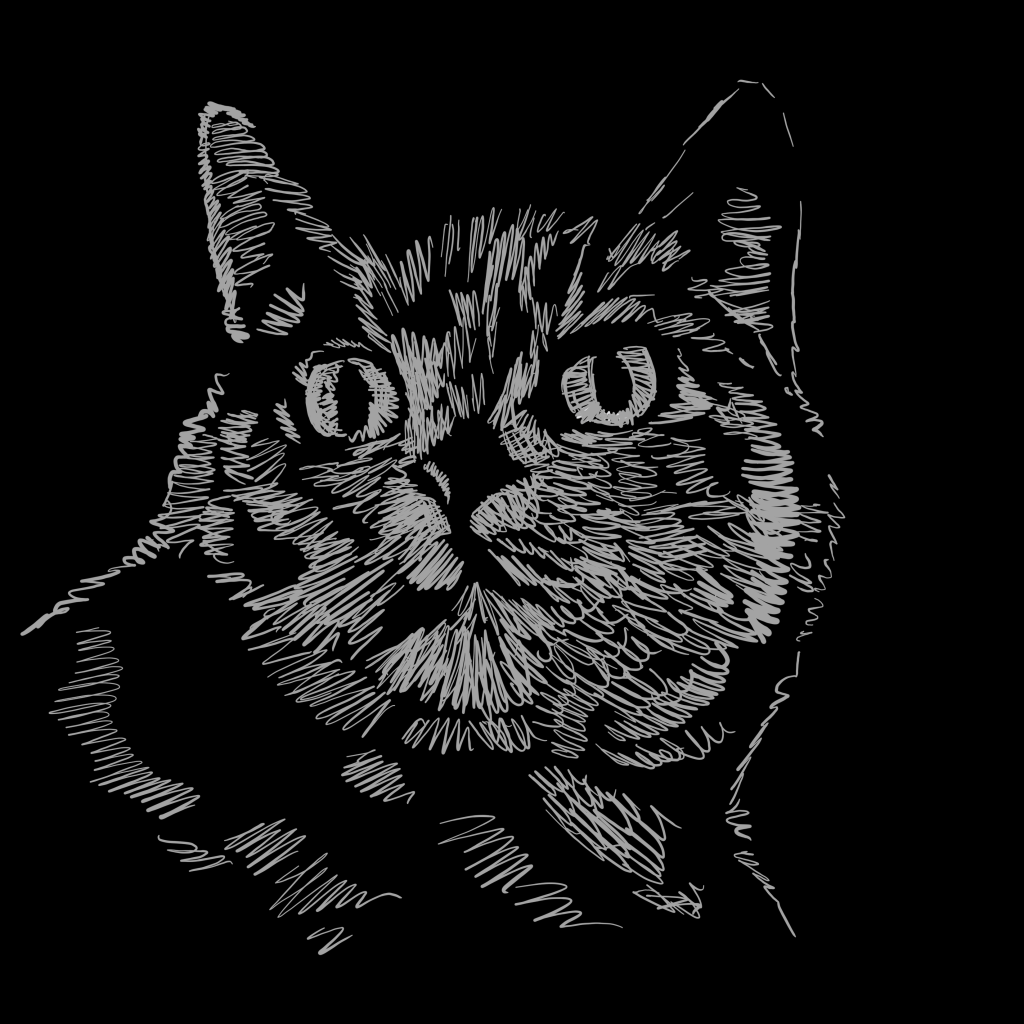
Layer 04 – Light Gray
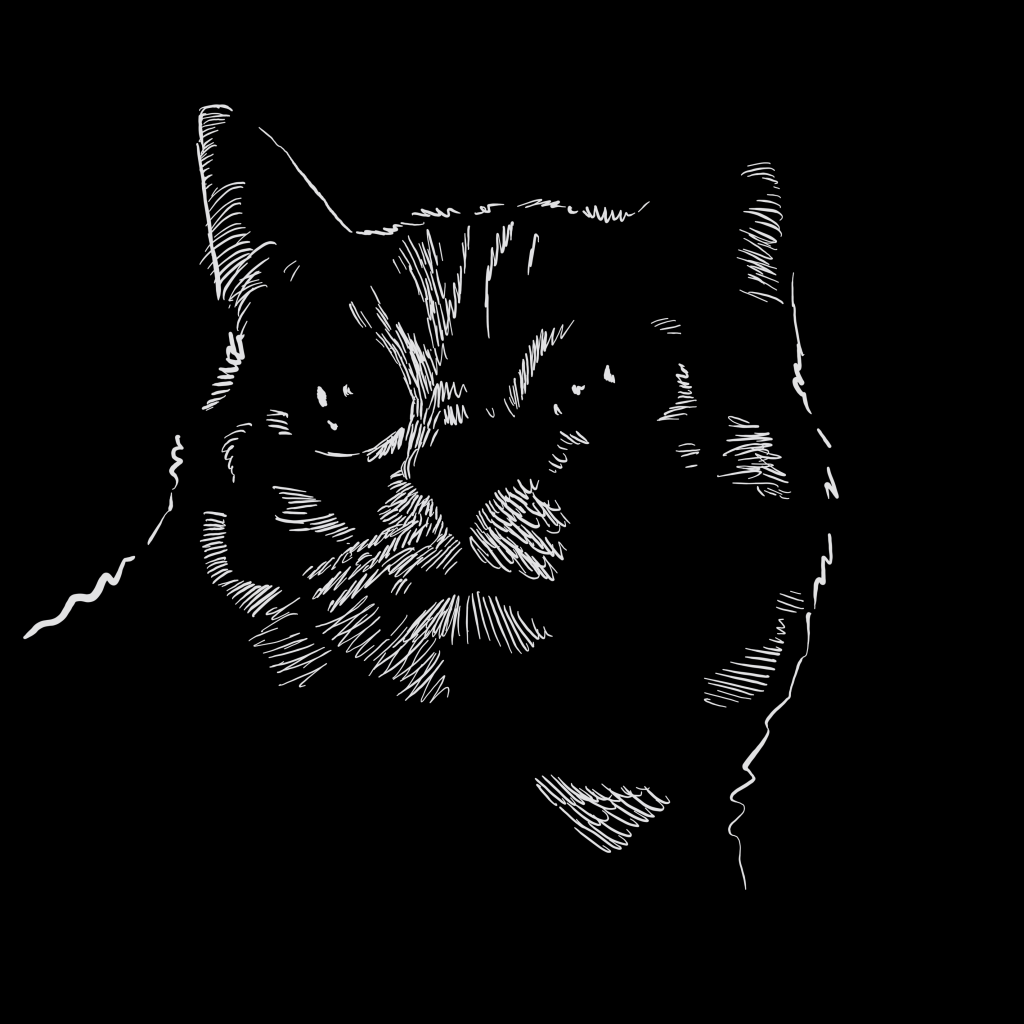
Layer 05 – White
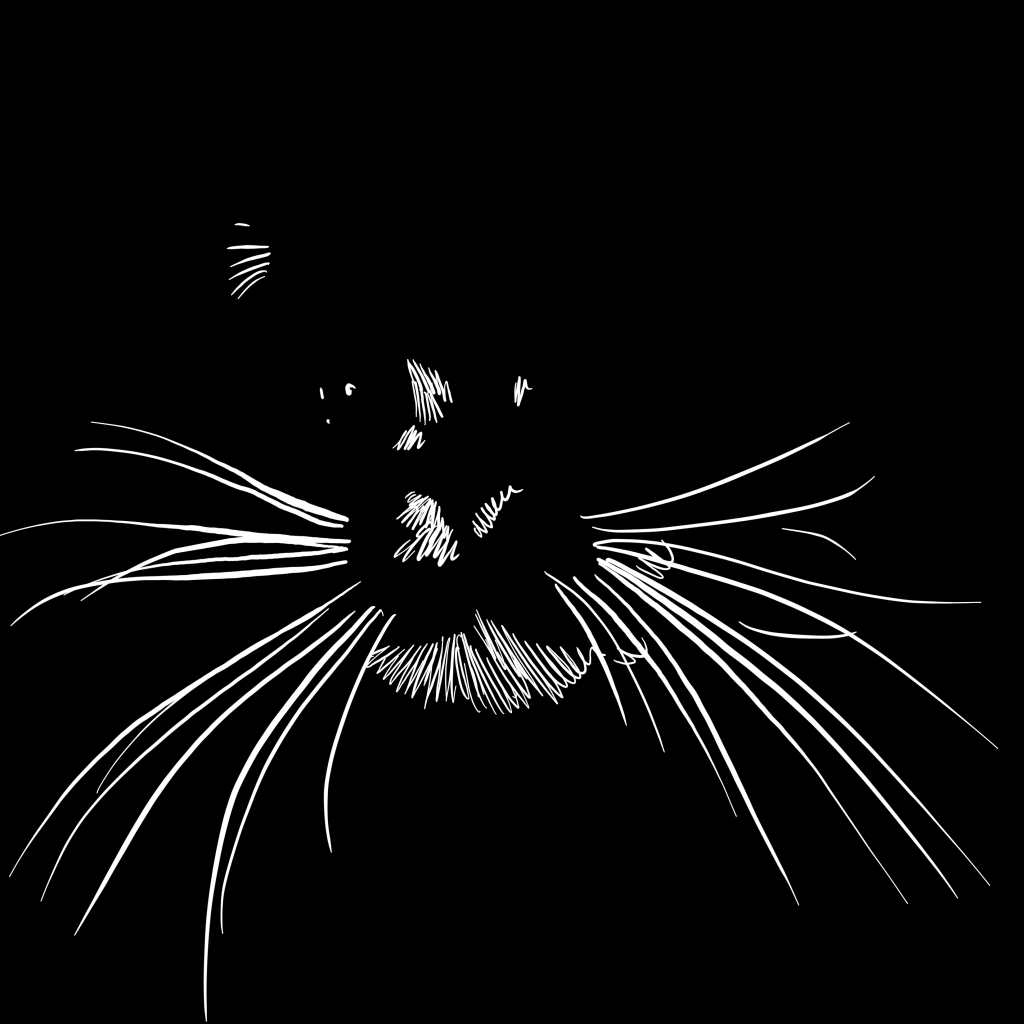
After creating the drawing(s) I saved them to my photo library on my iPad so I could easily place them into my Design Doodler Software.
To see the embroidery process or to follow along, click the link below to go to the youtube video of the same title.
To see more of my work, explore the following websites
Pet embroidery:
Other embroidery and illustrations:
Both sites have links to my other social media accounts.

For more info about the Design Doodler visit their website:
https://embroiderylegacy.com/embroidery-software/design-doodler
Thanks for visiting
Daryl Stephenson “daryltheartist”


